
DStv Extra View lets you link more than one decoder to a single DStv subscription, so different people in the house can watch different channels at the same time. No more fighting over the remote when the rugby clashes with a drama series. In this guide I walk through what Extra View is, what it costs each month, which decoders work with it, and how the setup actually goes together — the same checks I run on every Extra View job in the field.
- One subscription, multiple TVs: Extra View links secondary decoders to a primary decoder so each screen can watch a different channel.
- Monthly access fee: Around R105 per extra decoder, on top of your normal package.
- Up to three decoders total: A primary plus two secondaries (sometimes called Triple View).
- The primary must stay on: It sends the heartbeat signal that keeps the secondaries connected.
- Decoder model matters: Explora and newer HD decoders are fine; older SD decoders can be a problem.
What is DStv Extra View?
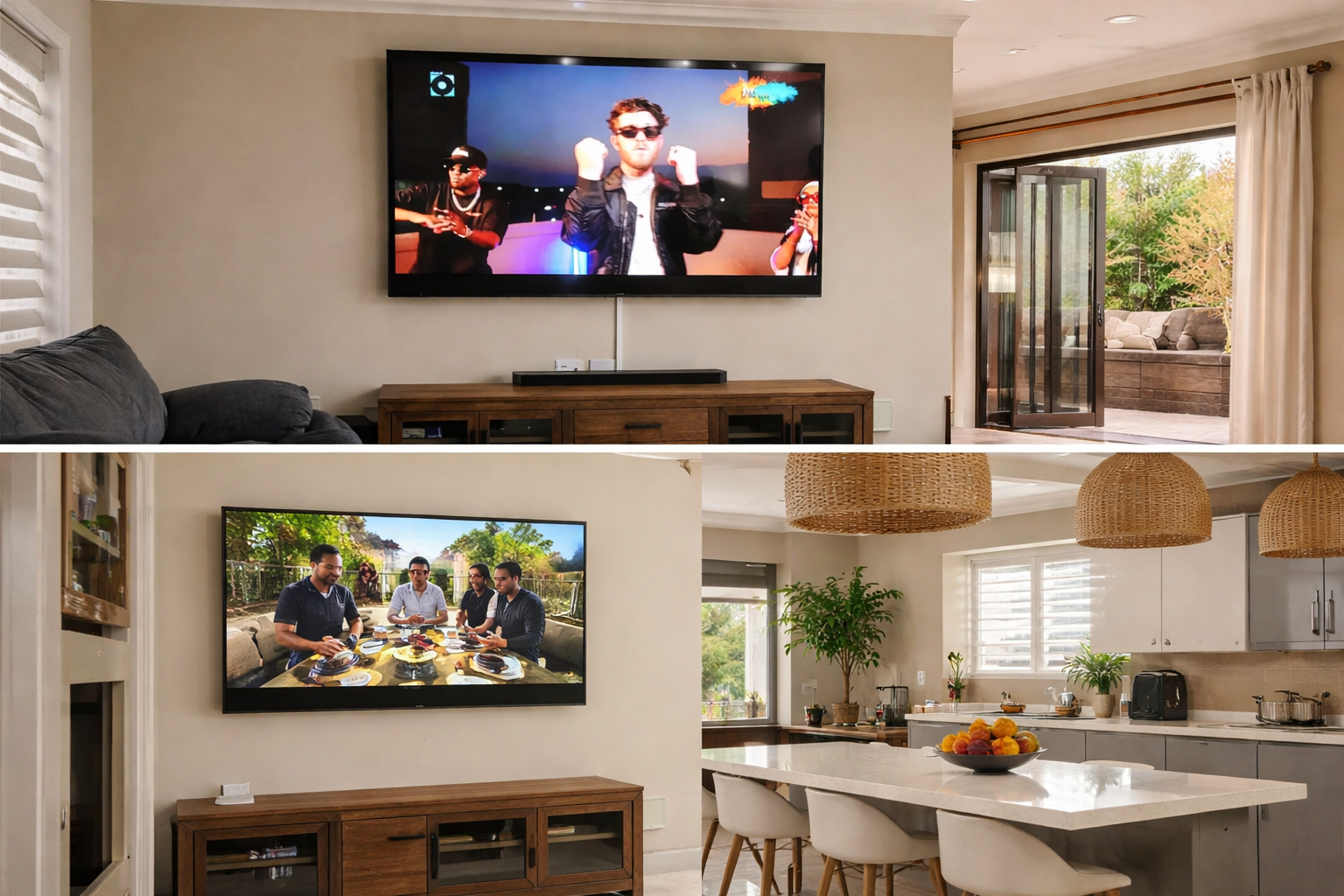
DStv Extra View is a feature — not a separate package — that lets you link multiple decoders under one DStv subscription. Each linked decoder feeds its own TV, and each TV can be on a different channel. So one person catches the sport while another follows their series, all billed under a single account.
It is the simplest way to get DStv into more than one room without paying for a second full subscription. We fit it most often in lounges, bedrooms, flatlets and entertainment areas where a household wants independent viewing on each screen.
Extra View vs an extra TV point
People mix these up all the time, so it is worth being clear. An extra TV point simply mirrors one decoder onto a second screen — both TVs show the exact same channel. Extra View gives each TV its own decoder, so each screen is fully independent. If you want two people watching two different things, you need Extra View, not just an extra point.
What does DStv Extra View cost?
There are two costs to plan for: a monthly access fee and a one-off installation fee.
Monthly Extra View price
On top of your normal DStv package, there is a monthly access fee of around R105 for each additional decoder on your Extra View setup. It is a small amount for the convenience of independent viewing in a second or third room.
The R105 access fee is per extra decoder, every month — it is not a once-off. And here is the trap: downgrading or changing your main DStv package does not automatically remove the Extra View fee. If you stop using a secondary decoder, you have to cancel the Extra View access separately, or you keep paying for it.
Installation cost
A standard Extra View installation runs roughly R350 to R400, assuming you already have the necessary accessories. The price moves with the complexity of the job — the type and number of decoders, and whether extra equipment like splitters or a smart switch is needed in mixed-model setups.
| Cost item | Typical amount | Notes |
|---|---|---|
| Monthly access fee | ~R105 per extra decoder | Recurring, on top of your package |
| Standard installation | ~R350 – R400 | Assumes accessories already on hand |
| Extra equipment | Varies | Splitters / smart switch for mixed setups |
Which decoders are compatible with Extra View?
Not every decoder plays nicely with Extra View. Here is the breakdown I work to on site:
- Explora decoders: All versions of the Explora are compatible.
- HD decoders: Newer HD models (the 5s and 6s) work seamlessly.
- SD decoders: Older standard-definition decoders may present compatibility issues.
If you are mixing models — say an Explora paired with an older HD decoder — the setup still works, but it often needs a smart switch and a little more care during configuration. That is where most DIY attempts come unstuck.
How does Extra View work?
The clever part of Extra View is how it links secondary decoders to a primary decoder under one subscription. In plain terms:
- Primary and secondary decoders: The primary decoder holds the DStv subscription. The secondaries connect to it and ride on the same subscription.
- Heartbeat signal: The primary decoder sends a periodic ‘heartbeat’ signal to the secondaries to keep the link alive.
- Limit: Up to two secondary decoders can be linked to one primary — three decoders in total.
You will see the heartbeat described both as roughly every 90 seconds and as every two to three minutes, depending on the source and decoder setup. Either way, the principle is the same: if a secondary stops receiving the heartbeat, it loses the connection and throws an error. Keep the primary decoder on at all times.
Can I connect three decoders?
Yes. You can run up to three decoders in an Extra View setup — typically a combination of Explora and HD decoders. This three-decoder arrangement is sometimes called “Triple View” and suits larger households that need a third independent screen.
How to set up Extra View: the installation
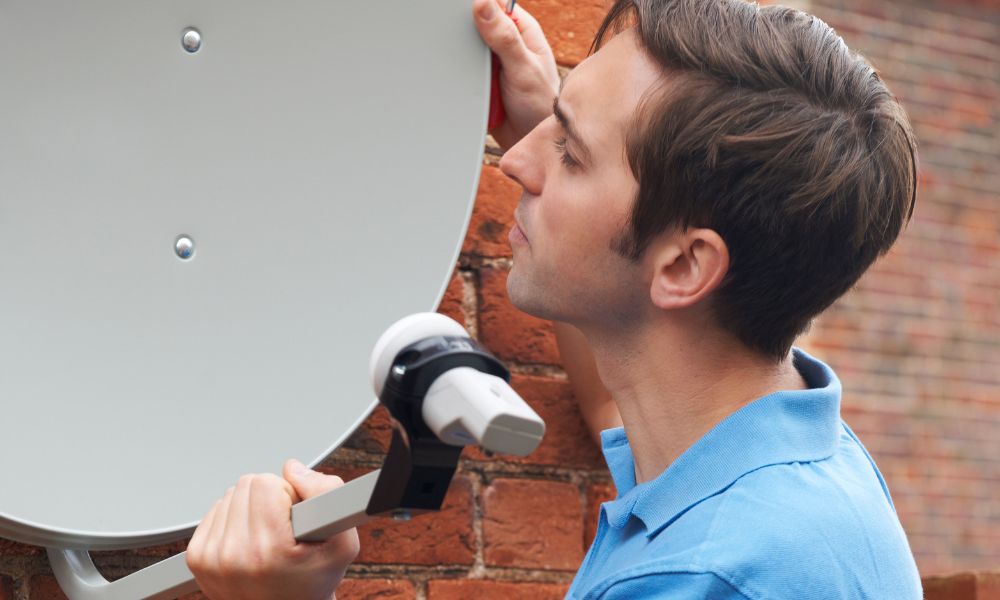
Getting the hardware right is what separates a stable Extra View setup from one that keeps dropping. The two things that matter most are the LNB on the dish and the cabling between decoders.
Types of LNB for Extra View
The Low-Noise Block downconverter (LNB) is the part on the dish arm that feeds signal to your decoders. The right LNB depends on your decoder models:
- Smart LNB: Ideal for the latest decoders (Explora One, Two, Three, and HD 5s or 6s). It cuts down on cabling and simplifies the install.
- Universal Twin LNB: Suited to older decoder models. A DStv smart switch may be needed for these setups.
Whichever LNB you use, an 80cm dish is recommended for reliable signal reception. If your dish is undersized, Extra View will be the first thing to suffer in bad weather.
Connecting the cables
Proper cabling is essential. Here is the simplified version of what happens on the job:
- Coaxial connection: Each decoder connects to the LNB with a coaxial cable — the uni-cable ports on a smart LNB for recent models, or the universal port for older ones.
- Heartbeat cable: With a universal twin LNB, you run a communication cable from the RF port of the primary decoder to the secondaries to carry the heartbeat signal.
- Smart LNB shortcut: On a smart LNB setup there is no separate heartbeat cable — the signal travels through the LNB itself.
Long cable runs to a flatlet, garage or outbuilding are where Extra View setups most often go wrong — signal drops off over distance and the heartbeat fails. If you are extending Extra View well away from the main house, read our guide on how far you can run Extra View before you buy cable.
Activating and checking Extra View
Once the hardware is in, activation is the final step — and there is a small checklist before you make the call.
Activation
Before activating, make sure every decoder is tuned to channel 100 and receiving the heartbeat signal. Once they are all talking to each other, contact MultiChoice to activate Extra View on the account.
Checking the status
To check an existing Extra View setup:
- Press the “Help” button on the remote.
- Go to “General Information,” then “Extra View.”
If anything looks off there, that is usually your first clue something in the link has dropped.
Troubleshooting common Extra View issues
Most Extra View faults come down to two things: a broken heartbeat or clashing decoder settings.
- E143 error message: This means a secondary decoder is not receiving the heartbeat signal from the primary. Usual causes are a faulty communication cable, the primary decoder being switched off, or incorrect settings on the decoder. Check that the primary is on and the heartbeat cable is properly connected at both ends.
- Intermittent signal loss on Explora decoders: Almost always down to incorrect userband settings in the decoder menu. Each decoder must use a different userband on the LNB — matching userbands cause signal clashes.
| Symptom | Likely cause | Fix |
|---|---|---|
| E143 error | No heartbeat reaching the secondary | Check primary is on; check heartbeat cable both ends |
| Secondary not working | Primary decoder switched off | Keep the primary decoder on at all times |
| Explora picture drops in and out | Clashing userband settings | Set a different userband per decoder |
Installation basics and the heartbeat in action
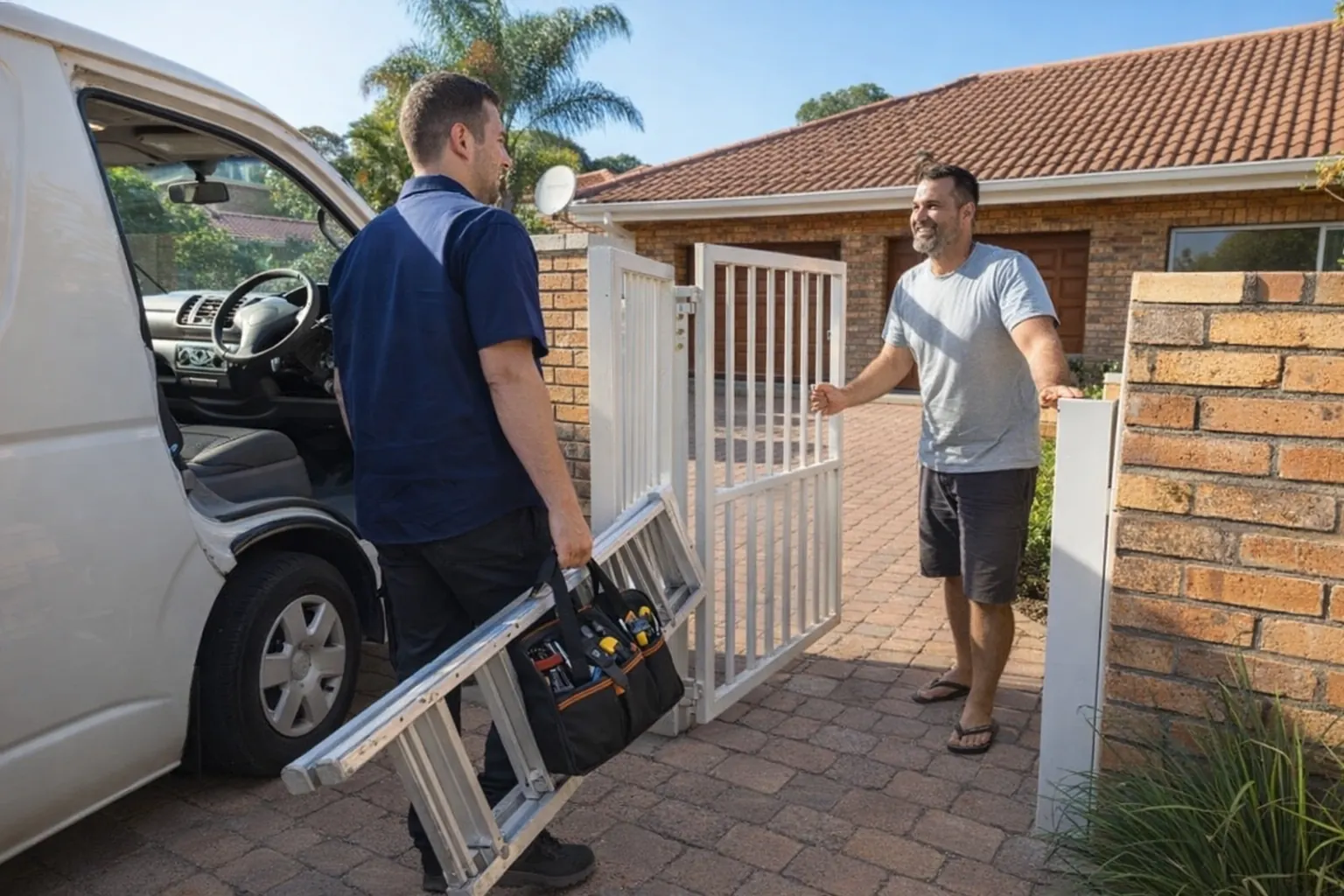
If you are technically minded, an Extra View install can be a DIY project. But a correct install is everything here — a single loose connector or a wrong userband and you are back on the phone to MultiChoice. The video below walks through a real Explora and HD smart-LNB setup so you can see how the pieces fit together.
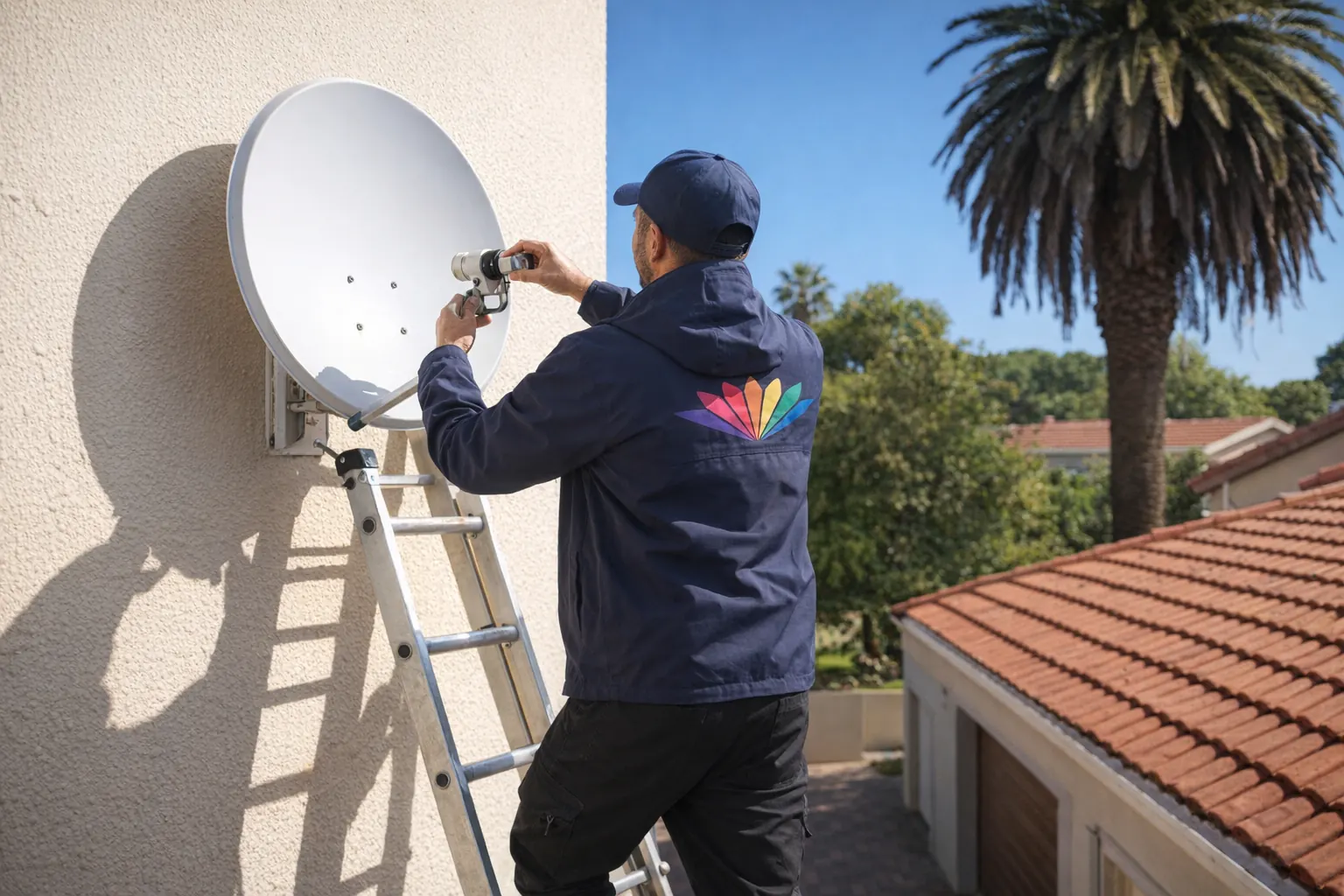
If any of that looks daunting, it is not worth the weekend and the error codes — our team handles the dish, LNB, cabling and activation in one visit. You can book a professional Extra View installation and have it done properly the first time.
Frequently asked questions
Is Extra View a separate package?
No. Extra View is a feature you add to your existing DStv subscription, not a standalone package. It expands your viewing across the home, all under one billing cycle.
Can I watch DStv on two TVs at the same time?
Yes. With Extra View you can watch different channels on multiple TVs at once, all under one subscription — each person follows their own channel on a separate decoder.
Can I connect two decoders to one dish?
Yes. Multiple decoders can share a single satellite dish using a Universal Twin LNB and a smart switch, which split and direct the signal to each decoder.
What happens if the primary decoder is off?
The setup will not work. The primary must stay on at all times — if it is off, the secondaries lose the heartbeat and show an error indicating no communication from the primary.
Can I use my Extra View decoder at another house?
Technically possible, but not recommended. The heartbeat signal needs a stable, single-location setup. Moving a secondary decoder to another property breaks the link and causes glitches.
How do I cancel DStv Extra View?
Contact DStv customer service and they will guide you through it. Remember that downgrading your main package does not remove the Extra View access fee — it has to be cancelled separately.
Can I pause my DStv subscription?
Pausing is generally not an option. You would need to cancel your current subscription and re-activate it later when you want it back.
How many devices can stream DStv?
The DStv streaming service allows up to two devices streaming at the same time. This is counted separately from your Extra View decoders — streaming devices and Extra View decoders are independent of each other.
| Question | Short answer |
|---|---|
| Is Extra View a separate package? | No — a feature added to your existing subscription |
| Watch two TVs at once? | Yes — different channels on separate decoders |
| Two decoders on one dish? | Yes — via Universal Twin LNB and smart switch |
| Three decoders possible? | Yes — up to three (Explora and HD), sometimes called Triple View |
| Primary decoder off? | Secondaries stop working until it is back on |
| How to cancel? | Contact DStv; cancel the access fee separately |
Final thoughts on Extra View
Extra View is one of the best-value upgrades for a household with mixed viewing tastes — independent channels on multiple TVs, one subscription, one bill. The hardware is straightforward once you understand the primary-and-secondary logic and the heartbeat that ties them together. Get the LNB, cabling and userbands right and it simply works.
If you would rather skip the error codes, our DStv installation in Sandton team is a phone call away — and a correctly installed setup pays you back with years of trouble-free viewing. For more DStv guides and service options, start from our DStv installation home page.
Further reading
Need Professional DSTV Installation?
Our accredited installers offer same-day service across South Africa.