
Why is my decoder not switching on? If that is the question staring back at you from a blank screen, you are not alone — a DStv decoder not powering on is one of the most common faults we get called out for in South African homes. The good news is that most cases come down to power, not a dead unit. In this guide I walk through the quick checks I run first, what the front-panel lights are telling you, when standby is to blame, and when corrupt software or a failed power supply is the real culprit.
- A decoder not switching on is usually a power problem — check the wall socket, plug and power cable before anything else.
- A red standby light means the decoder has power but is asleep; press standby on the remote or the front panel.
- No light at all points to a dead power cable, a tripped plug, or a failed internal power supply.
- After load shedding, switch off at the wall, wait, then power up so the decoder rescans cleanly.
- If it powers up but sticks on loading, a corrupt software boot is likely — a full power-cycle usually clears it.
Why your DStv decoder is not switching on
When a decoder will not switch on at all, the fault almost always sits somewhere in the power path rather than inside the box. Before assuming the worst, it helps to understand the few things that actually stop a unit from booting. A corrupt DStv system is one primary cause, often the result of an interrupted or incorrect software upgrade. This corruption can stop the system from booting, because the decoder relies on data loaded from the hard drive to start up.
The other big causes are external. A damaged power cable, a plug switched off at the wall, a tripped multiplug, or a power supply that has given in after one too many surges will all leave you staring at a blank decoder. In my experience the split is heavily weighted towards these external faults — for every decoder with a genuine internal failure, there are several that simply lost power somewhere between the wall and the box. That is exactly why working in order matters so much.
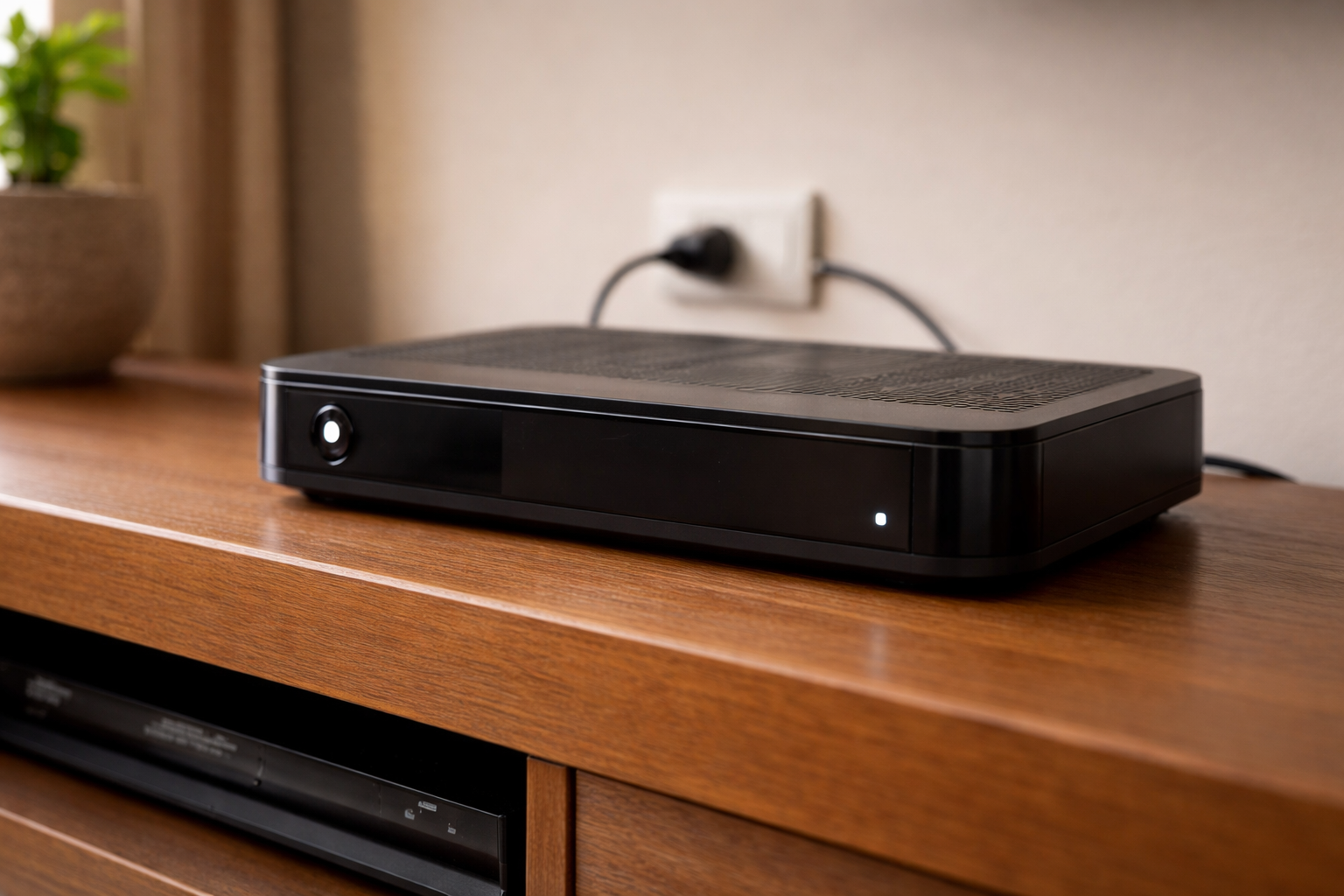
It is also worth knowing the difference between a decoder that is asleep and one that is dead. A decoder in standby still draws power and shows a light, so it is not truly off — it is just waiting for a button press. A decoder with a power problem shows nothing at all. Telling these two states apart at a glance is the fastest way to point yourself at the right fix rather than wasting time on the wrong one.
Common causes at a glance
- Power supply problem — faulty cable, dead wall socket, or a failed internal power board.
- Corrupt software — an incorrect or interrupted upgrade that prevents the system booting.
- Surge or load shedding damage — voltage spikes that knock out the power supply.
Work through the causes in order — power first, software second. There is no point opening up a unit that simply has a dead plug behind the TV.
What the decoder lights are telling you
The light on the front panel is the first clue and tells you whether the decoder is getting power at all. Reading it correctly saves you from chasing the wrong fix. Below is how I interpret what I see on the unit when I arrive on site, and the first step I take in each case.
| Symptom | Likely cause | First fix |
|---|---|---|
| Red light on, screen blank | Decoder in standby | Press standby on the remote or front panel |
| No light at all | No power reaching the decoder | Check the socket, plug and power cable |
| Light flickers then dies | Failing power supply | Test on another socket, then arrange a repair |
| Powers on, stuck on loading | Corrupt software boot | Full power-cycle and let it reload |
Red light or standby
A red light on the front means the decoder has power but is sitting in standby. This is the easiest one to fix: press the standby button on your remote, or the power button on the front panel, and the unit should wake up. If the remote does nothing, try fresh batteries before assuming the decoder is at fault, and check you have not knocked it onto the wrong unit — here is how to reset your DStv remote from 2 to 1. A flat or mis-set remote often masquerades as a dead decoder.
No light at all
If there is no light whatsoever, no power is getting through. Confirm the wall socket works by plugging in something else, check that the multiplug is switched on and not tripped, and inspect the power cable for damage. A blank panel almost always means a power-side problem rather than a faulty decoder.
Power supply and cable checks
Because a power supply problem is the most frequent reason a decoder will not switch on, this is where I always start the hands-on work. These checks take a couple of minutes and rule out the cheapest, most common faults before any repair is even considered.
- Check the power cable — make sure the cable is intact and firmly seated at both ends. Replace it if it is frayed or damaged to avoid power leakage issues.
- Test the wall socket — plug another appliance in to confirm the socket is live.
- Bypass the multiplug — plug the decoder straight into the wall to rule out a faulty adaptor or surge plug.
Pay close attention to the cable where it enters the back of the decoder and at the plug end. Cables flex and pull every time the unit is moved, and the internal wires can fracture inside intact-looking insulation. If wiggling the cable makes the light flicker on and off, you have found your fault — that cable needs replacing. A flickering light that then dies, on the other hand, usually points past the cable to the power supply board inside the unit, which has started to fail and can no longer hold a steady voltage.
South Africa’s grid is hard on electronics. Repeated surges and load shedding spikes are the number-one killer of decoder power supplies. Always switch the decoder off at the wall during an outage, and protect it with a surge plug or a small UPS. Never open a decoder yourself to chase a power-supply fault — there are dangerous voltages inside and you will void any warranty.
Rebooting a decoder stuck on standby or loading
If the decoder has power but will not come past standby, or it powers up and then sticks on loading, a clean power-cycle clears most software glitches. This is the same routine I use on an Explora that has frozen on the boot screen.
- Switch off and unplug the decoder at the wall.
- Wait at least three minutes so the unit fully discharges.
- Reconnect everything and switch the decoder back on.
- Allow it to scan and reload — this can take a few minutes.
On a DStv Explora you can also press and hold the standby button to force a reset. For a step-by-step walkthrough of the full process, see our guide on how to reboot a DStv decoder.
Keep your smart card inserted throughout the reboot. If you pull it out mid-restart, the decoder cannot re-establish your subscription promptly and may fail to load channels even once power is restored.
Restoring an Explora stuck after load shedding
Load shedding is the single biggest reason we get called to decoders that “suddenly died”. The decoder often survives the outage but cannot re-establish signal when power returns, leaving it stuck. The fix is methodical rather than complicated.
- Switch off the plugs — during an outage, turn the decoder off at the wall to prevent surge damage when power snaps back.
- Power-cycle on restore — turn off and unplug the decoder, disconnect the white cable from the LNB port, wait three minutes, then reconnect everything and switch on so it rescans for signal.
- Remove the smart card if it sticks on loading — on an Explora frozen on the boot screen, remove the smart card, repeat the unplug-and-reconnect steps above, then reinsert it.
If a no-signal error appears after the decoder powers back up, that is a separate fault — our breakdown of DStv error codes and what they mean will tell you exactly what the on-screen code is pointing at.
Protecting your decoder and when to call us
Prevention is far cheaper than a repair, and a few habits keep a decoder switching on reliably for years. Switching off at the wall during load shedding, fitting a surge plug, and giving the unit room to breathe so it does not overheat all extend its life. Regular care also means fewer corrupt boots after power interruptions, since most software corruption happens when the power is yanked away mid-write.
If load shedding is a daily reality where you live, a small UPS is the single best upgrade you can make. It keeps the decoder running smoothly through the switch-over instead of subjecting it to a hard power cut and a surge on the way back. That alone removes the most common path to both a dead power supply and a corrupt boot — the two faults behind the vast majority of the call-outs in this guide.
If you have worked through the power checks and the reboot and the decoder still will not switch on, the internal power supply has most likely failed. At that point it is a workshop job. We offer DStv decoder repair and replacement across South Africa, and our DStv installers in Roodepoort can test the unit, swap a failed power board, or supply a replacement decoder if it is beyond economical repair. You can also browse the rest of our DStv installation and troubleshooting guides for related fixes.
Frequently Asked Questions
Why is my DStv decoder not switching on?
The usual causes are a failed power supply, a dead plug or extension lead, or surge damage after a power outage. Test the same socket with another appliance first, then try a different power cable before assuming the decoder itself has failed.
What do the lights on my decoder mean when it will not start?
A standby light with no boot usually points at the power supply or corrupted software. No light at all points at the mains side — plug, cable or socket. A light that comes on then dies within seconds usually means the power supply is failing under load.
Can load shedding damage a DStv decoder?
Yes. The damage is done by the surge when power returns, not by the outage itself. A decoder that stopped working the moment the power came back is the classic pattern, and a surge-protected plug is worth more than any repair.
How do I hard reset a decoder that will not boot?
Unplug it at the wall, leave it disconnected for a full five minutes so the internal charge drains, then plug it back in. That clears a surprising number of boot faults. If it still will not start, it is a hardware fault.
Is a decoder that will not switch on worth repairing?
Often yes — a power supply is one of the cheaper repairs. Our minimum call-out fee is R550 and covers diagnosing the fault properly, so you find out what is wrong before paying for a replacement you may not need.
Further reading
Need Professional DSTV Installation?
Our accredited installers offer same-day service across South Africa.