
If you want to remove a PG-blocked message on DStv, you change the age-restriction setting in Parental Control and confirm it with your access PIN. The pg blocked on dstv prompt appears whenever a programme is rated above the age level set on your decoder. We sort this out for households across South Africa every week, and the fix is almost always a quick menu change once you know where to look. This guide walks you through it step by step.
- PG blocking locks programmes rated above the age level set in Parental Control — raise the level to 18 to unblock everything.
- You need your four-digit parental control PIN to change the setting; the factory default is 1234.
- The menu path is Menu › Settings › Parental Control, then Age Restriction.
- There is no way to remove PG blocking without the PIN — if you have forgotten it, reset it from the default 1234 or call DStv.
- Changes can take a few minutes to reflect across all channels once you save and exit.
What PG Blocking Is on DStv
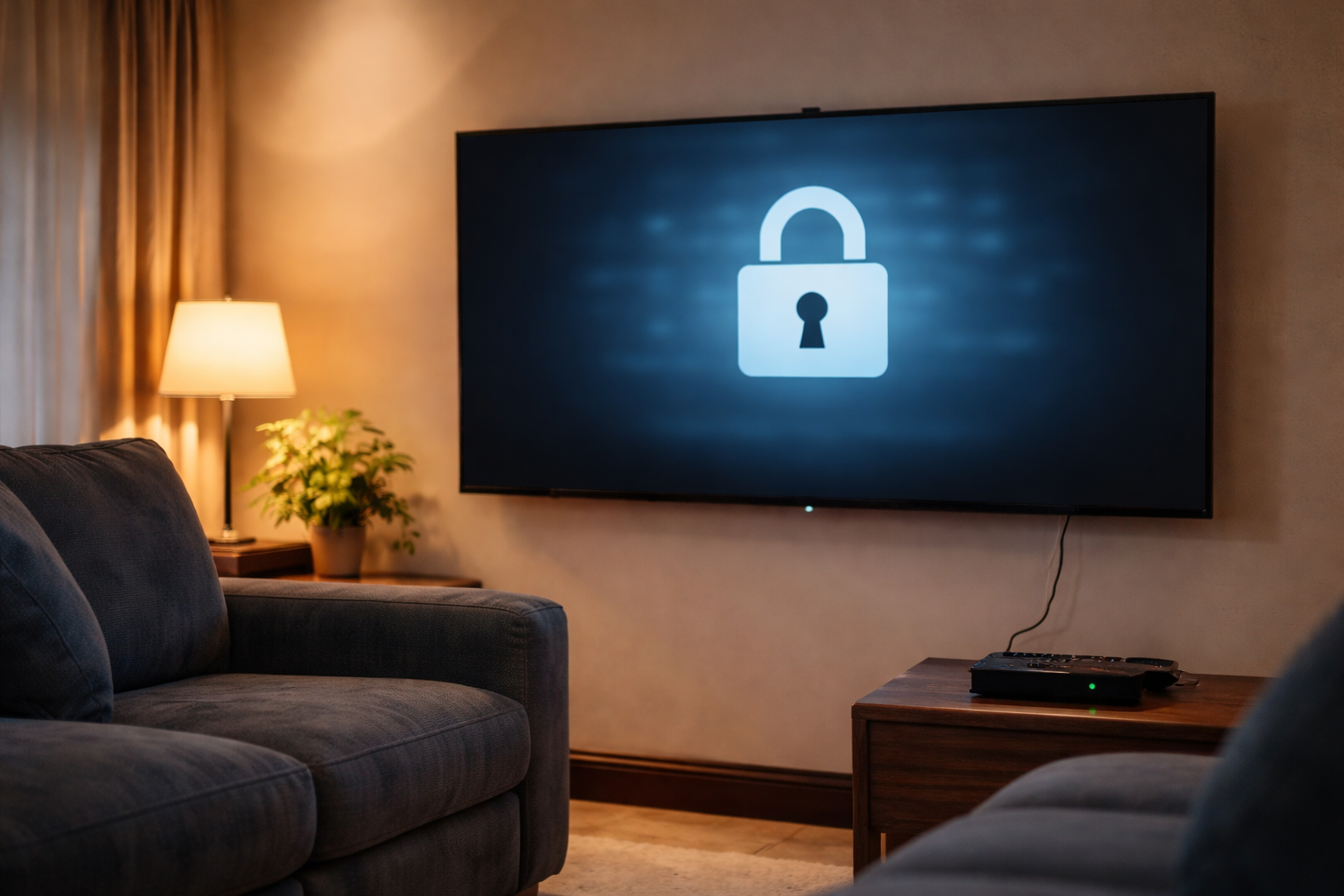
PG blocking is a Parental Control feature on DStv that restricts access to channels and programmes based on their age rating. When it is switched on, the decoder asks for a PIN before it will show any content rated above the level you have chosen. If you do not enter the PIN, the programme stays locked and you see the PG-blocked message instead of the show.
The age ratings follow the South African Film and Publication Board (FPB) classification system, which runs from U (universal, suitable for everyone) up to 18 (restricted to adults only). This is why an adult subscriber can still hit a locked programme — the rating, not your age, decides whether the PIN is needed.
How the age levels work
When you set up Parental Control you pick an age-restriction level, and anything rated above it gets locked behind the PIN. The common levels you will see are:
- PG13 / 13 — parental guidance recommended for children under 13.
- 16 — suitable for viewers aged 16 and over.
- 18 — restricted to adults only.
Set the level to 18 and nothing is blocked, because there is no rating higher than 18. That is the setting most adults want when there are no children in the house.
How to Unblock PG Blocked Content on DStv
To unblock PG-blocked content you raise the age-restriction level in Parental Control. The whole job is done from your remote and takes a couple of minutes once you have your PIN ready. Here is the order I work through it on a call-out.
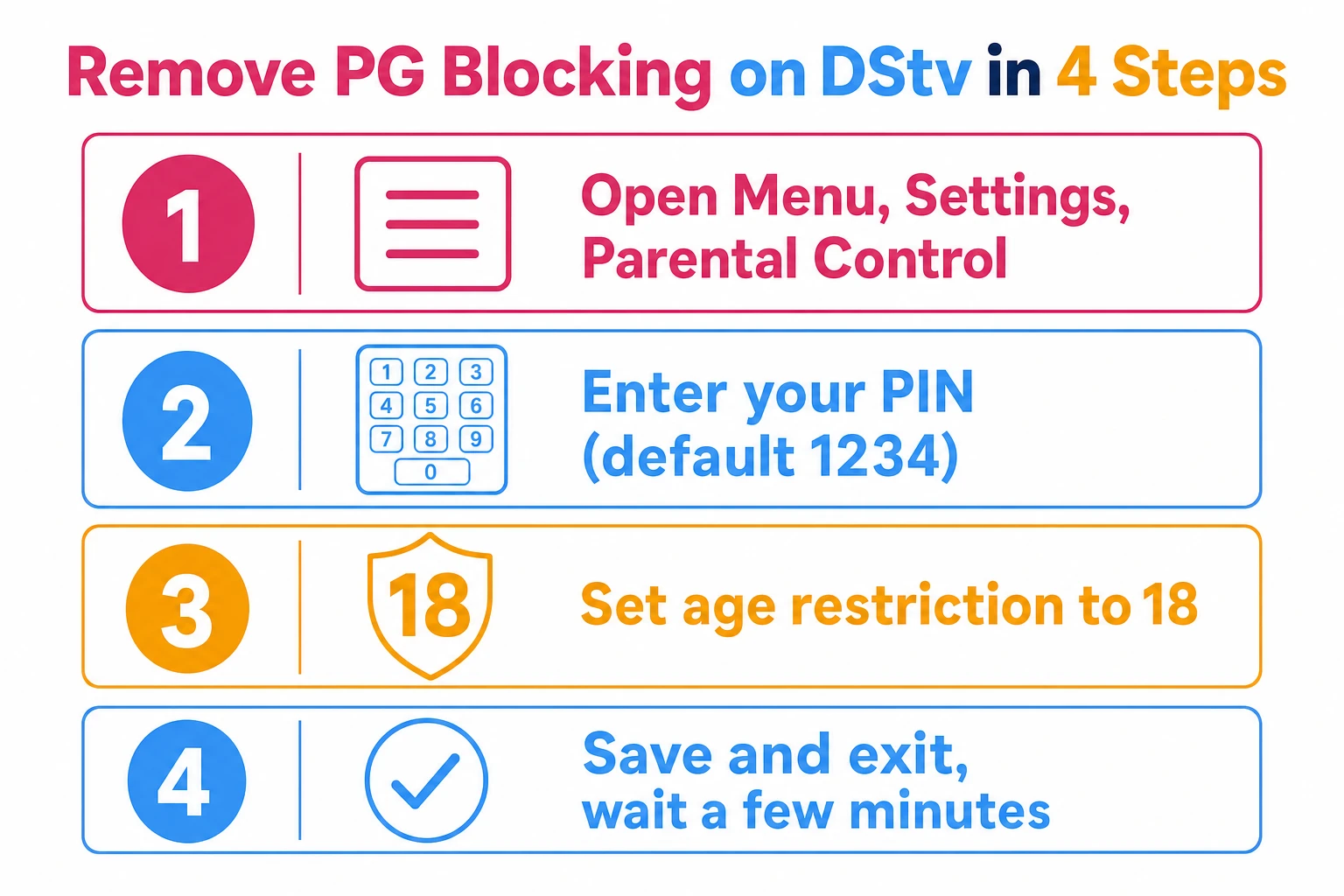
The four steps
| Step | What to do | What you'll see |
|---|---|---|
| 1. Open settings | Press Menu on the remote, then go to Settings › Parental Control. | The Parental Control menu, or a prompt to set a PIN if you have not yet. |
| 2. Enter your PIN | Type your four-digit parental control PIN to verify it is you. | Access to the Parental Control settings. |
| 3. Change the age restriction | Scroll to Age Restriction and select a higher level — choose 18 to unblock everything. | The new age level highlighted. |
| 4. Save and exit | Press OK or Enter to save, then press Exit or Menu to leave. | Back to live TV; the lock is lifted. |
If a whole channel has vanished rather than simply being locked behind a PIN, that is a different problem. In that case follow our guide on how to restore missing channels on DStv instead, because raising the age level will not bring back a channel the decoder cannot see.
Finding the Parental Control PIN
You cannot change the age restriction without the parental control PIN — it is the lock that stops anyone else undoing your settings. The PIN is a four-digit code, and on a fresh or newly reset decoder the factory default is 1234.
If you set your own PIN earlier and have forgotten it, you can reset it back to the default and then choose a new one. The reset path runs through the same Parental Control menu.
How to reset a forgotten PIN
| Step | Action |
|---|---|
| 1 | Press Menu on your remote control. |
| 2 | Select Parental Control. |
| 3 | Enter 1234 as the default PIN code. |
| 4 | Select Change Pin. |
| 5 | Enter a new four-digit PIN code and confirm it. |
Removing PG Blocking Without the Password
People often ask how to remove PG blocking without the password. The honest answer is that you cannot bypass it — the PIN exists precisely so that the setting cannot be changed by anyone who does not know it. There is no secret code or remote trick that unlocks Parental Control, and that is by design.
What you can do is recover access legitimately. If the decoder is yours and you have simply forgotten the PIN, reset it from the default 1234 using the steps above. If that fails, DStv support can verify you are the account holder and help you reset it.
Why DStv keeps it locked
The PIN protects more than just programme ratings — it ties into South Africa's Films and Publications Act, which restricts minors from accessing certain content without adult supervision. A lock that anyone could remove would defeat the point, so the password requirement is deliberate and cannot be switched off from the menu.
Reasons to Remove PG Blocking
For a household with no young children, PG blocking adds friction without any real benefit. Every time a programme is rated above the set level, you have to stop and enter the PIN before you can watch. Removing it makes sense in a few common situations.
- An adults-only home — if no children watch the decoder, the controls only get in the way of a film or drama with mature themes.
- Setting your own boundary — you can raise the level to match the oldest viewer rather than leave it stuck on a child-friendly setting.
- Fewer interruptions — removing unnecessary restrictions stops the PIN prompt breaking up your viewing on channels you watch every day.
Troubleshooting Common Problems
Removing PG blocking is usually straightforward, but a few issues come up often enough that they are worth knowing in advance. Most of them come down to the PIN or to giving the decoder time to apply the change.
The wrong PIN keeps getting rejected
Entering the wrong PIN is the most common snag, and it stops you reaching the Parental Control settings at all. Reset it from the default 1234 using the five-step table above, then set a PIN you will remember. If 1234 is also rejected, the PIN was changed previously and you will need DStv support to reset it.
The setting saved but content is still locked
If you changed the age level and saved it but a programme still asks for a PIN, give it a few minutes. The decoder applies the new level across channels gradually, so it does not always take effect the instant you exit the menu. If it is still locked after a short wait, re-open Parental Control and confirm the new level actually saved.
The menu or decoder is not responding
Now and then a technical glitch gets in the way rather than a settings problem. Try switching the decoder off at the wall, leaving it for about ten seconds, then powering it back on before trying again. If the screen is showing a fault message instead of a clean PG prompt, check our guide to DStv error codes and what they mean to identify it before you assume the dish or decoder is at fault.
When to Call a Technician
Changing the age restriction is a remote-control job, so you should not need an installer just to remove PG blocking. But if the decoder will not hold the setting, keeps throwing error codes, or the menu itself is misbehaving, the fault is likely in the box rather than the configuration.
In that case it is worth having someone test the hardware properly. If you would rather have an accredited team look at a decoder that is not behaving, you can reach our professional DStv installers — including our DStv installers in Randburg — to book a visit and get it sorted at the source.
Frequently Asked Questions
How do I remove PG blocked on DStv?
PG blocking is parental control, so it clears by entering the parental PIN when prompted, or by lowering the age restriction in the parental-control settings. It is not a fault and not a signal problem.
What is the default DStv parental control PIN?
A new or freshly reset decoder uses a default PIN, commonly 1234, which you should change immediately. If yours has been changed and forgotten, it has to be reset through DStv Self Service rather than on the decoder.
Why does PG blocked come back after a reset?
A factory reset restores the default parental settings, which are stricter than most people leave them. Set your age restriction again after any reset and the message stops recurring.
How do I unblock PG content without the password?
You cannot bypass it on the decoder itself — by design. Reset the PIN through DStv Self Service or the MyDStv app using the account holder’s details, then set a new one.
Does PG blocking affect recordings too?
Yes. Content recorded above your set age restriction will ask for the PIN on playback, even though it recorded without one.
Further reading
Need Professional DSTV Installation?
Our accredited installers offer same-day service across South Africa.